10 Router Settings to Change Before Your Next Work-from-Home Day
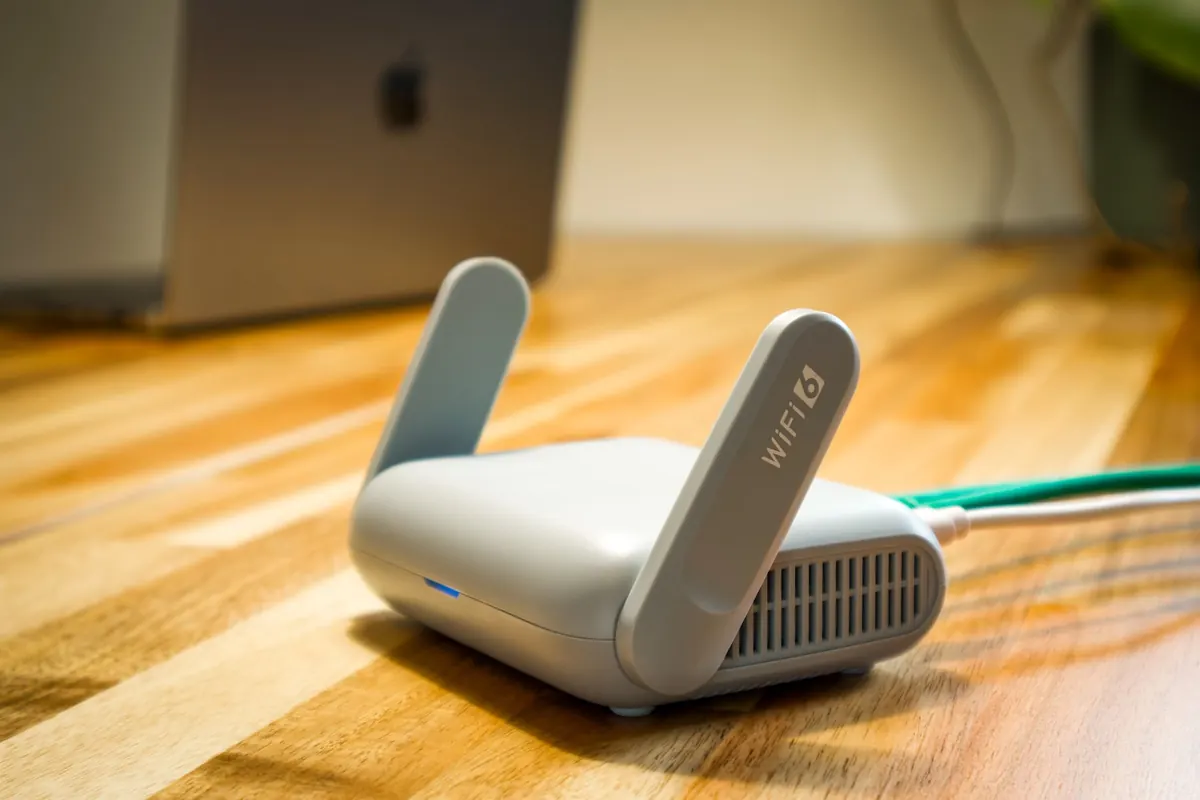
Your laptop gets patched. Your password manager gets attention. The VPN gets looked at the day it stops working. Meanwhile the small box in the hallway — the one every work file, video call and login passes through — is still running the firmware it shipped with, protected by the password printed on its underside.
That is the quiet weak point in a lot of home offices. The encouraging part: most of the hardening takes about twenty minutes, and you do it once. Here are ten settings worth changing before your next work-from-home day.
Open a browser and type your router's address — commonly 192.168.1.1 or 192.168.0.1, though the sticker on the device has the exact one, along with the default login. Sign in. If the credentials still work as shipped, anyone within range of your network can reach that same page. Change the admin password to something long and unique, and change the admin username too if the router allows it. Store both in your password manager, not on a note taped to the fridge.
While you are in there, find the setting labelled remote management, web access from WAN, or remote administration and switch it off. You have no reason to reach your home router's login page from a hotel in another country, and neither does anyone else.
Router firmware carries the fixes for flaws that let someone crash the device, intercept traffic, or take it over. Vendors rarely shout about these releases, so the update has to be your habit rather than theirs.
In the wireless security settings, pick WPA3 if your router and your devices support it. WPA3's handshake is built so that a captured exchange is far harder to attack offline, which matters most for the devices you cannot easily update. If an older printer or smart plug refuses to connect, fall back to WPA2-AES. Never leave the router on TKIP, WEP, or a mixed legacy mode if you can avoid it — if those are your only options, the router is old enough to replace.
Next, turn off WPS. The push-button convenience feature has a well-documented weakness: its PIN can be guessed through repeated attempts, which is exactly the kind of attack an automated tool handles well. If you need to join a device without typing a password, use the QR code on the router instead.
Finally, change the network name so it does not advertise your router's model, and set a Wi-Fi passphrase of at least sixteen characters. Four unrelated words will do, and it beats Home2024! every time. Do not bother hiding the SSID; it is not a security control, and it mostly makes your own devices harder to manage.
Most routers can run a guest network alongside your main one, and many isolate guest clients from everything else on the LAN by default. That isolation is the point. Put your work laptop, your phone and your printer on one network, and keep the smart TV, the robot vacuum, the kids' tablets and the doorbell camera somewhere else.
Why it matters: a cheap smart plug that never gets a firmware update should not be able to reach the machine holding your employer's files. If your router supports multiple SSIDs or VLANs, an even cleaner split is a dedicated network for work hardware only. In a regulated workplace, check with your IT or security team first — some organisations require you to use a managed device and a company VPN regardless of how tidy your home network is.
Consumer routers ship with features that are convenient and quietly risky. Walk through the menus and disable what you don't use:
Open the list of attached devices and read it properly. Rename the ones you recognise, so a strange entry stands out later. Anything you cannot account for deserves attention: change the Wi-Fi password, change the admin password, and update the firmware before you spend time guessing. Many routers also let you block new devices by default, which is a reasonable trade for a small home office.
Then save a configuration backup to an encrypted folder and note where it lives. A backup file usually contains your Wi-Fi and admin credentials, so treat it like a key, not a document. If the router ever resets itself, restoring takes two minutes instead of an evening.
Repeat the check every few months, and again whenever you add a device or your ISP swaps the hardware. One caution: if the router was supplied by your employer or is managed by your ISP, ask before changing anything — some of these settings are pushed remotely and will simply be reset. Otherwise, twenty minutes now buys you a quieter night's sleep.
Photo: Pascal 📷 / Pexels
Previous Post
VPN vs. DNS Filtering: Which Tool Better Blocks Malware and Trackers?
Next Post
What Is Browser Fingerprinting and Why Clearing Cookies Isn't Enough