Vacation Security Checklist: Protecting Your Smart Home While Away
You've booked the flights, arranged the pet sitter, and started the packing list. But before you lock the door and head for the airport, take a hard look at the one thing most travelers forget: the quiet network of smart devices running their home. Cameras, locks, thermostats, doorbells, and voice assistants make daily life easier — and left unattended, they can become the simplest way for a burglar or a hacker to learn exactly when your house is empty.
This checklist covers everything you should handle in the days before departure, from firmware updates and password hygiene to lighting schedules and network segmentation. Work through it once and you'll leave with something almost as valuable as good travel insurance: peace of mind.
Security work done in a panic at the airport rarely sticks. Block out thirty minutes a few days before you leave and walk through your home — physically and inside each device's companion app.
Manufacturers patch security holes constantly, and an unpatched camera or hub is one of the most common entry points for attackers. Open the app for your hub, cameras, locks, thermostat, and router, and install any pending updates. If you own a mix of brands, check them one at a time. It's tedious, but a device that hasn't been updated in eight months is a liability, not a convenience.
If any device still uses admin/admin or a password you set up years ago and reused everywhere, change it now. Better still, switch to a password manager and generate unique credentials for each device. Then enable two-factor authentication wherever it's offered, especially on the account that controls your locks and cameras. A stolen password alone should never be enough to unlock your front door.
Run a live test: arm the system, trigger a motion sensor, and watch the notification arrive. Confirm your camera feeds are actually recording to the cloud or local storage, not merely streaming. Check that your smart lock's battery is above 50 percent — a dead lock while you're three time zones away is a genuine emergency, not an inconvenience. Do this at least two days before departure so you have time to buy batteries or replace a failing device.
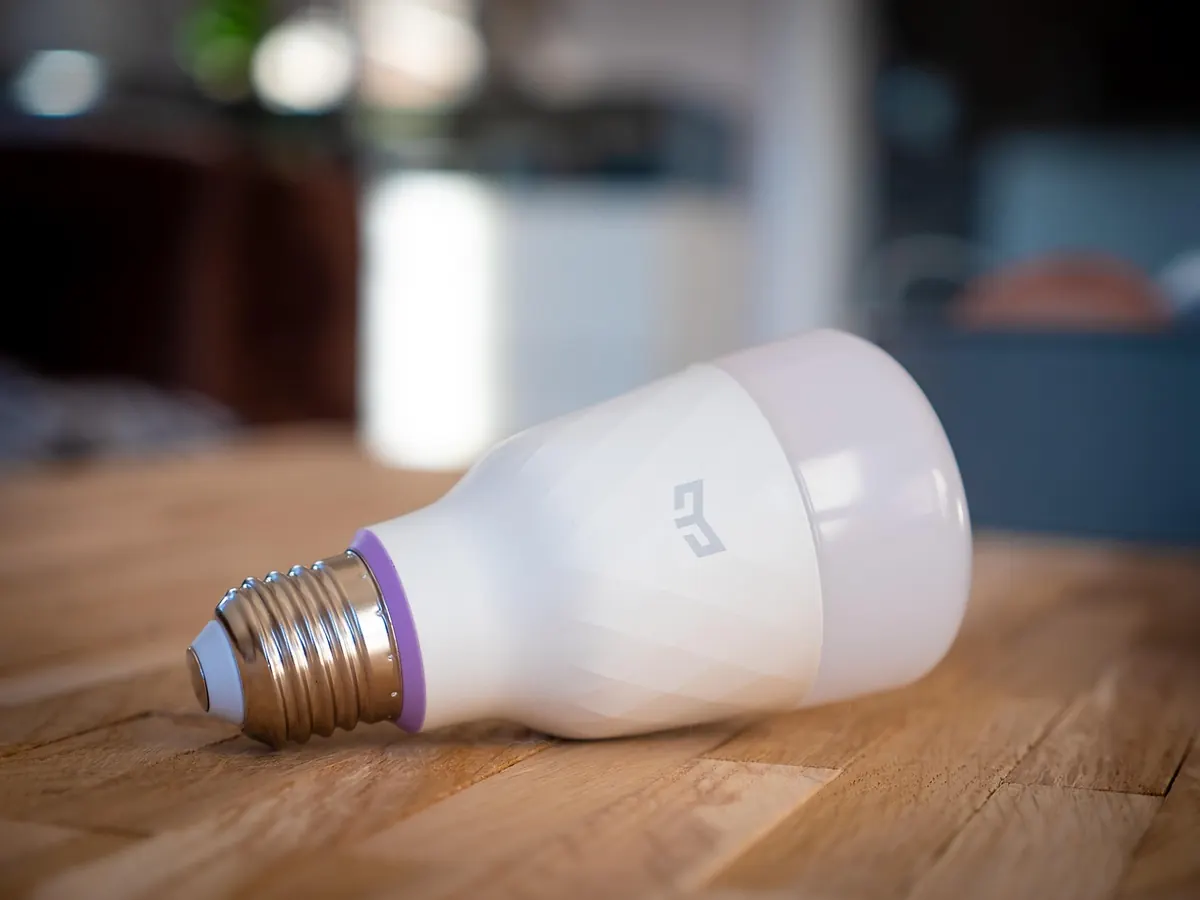
The oldest burglary signal in the book is a house that goes completely dark at 6 p.m. and stays that way for a week. Smart lighting is the single most effective tool you have for faking occupancy.
If you have smart speakers, schedule a podcast or a radio station to play for twenty minutes in the evening, or use a presence routine that reads a news briefing aloud. Motorized blinds that open in the morning and close at dusk are another strong signal that someone is home. Even a robotic vacuum running on its usual schedule adds the kind of ambient noise that makes a house feel occupied.
Motion without context is just noise. Motion that follows a believable human routine is a deterrent. Aim for patterns a real person would keep, not a light show.
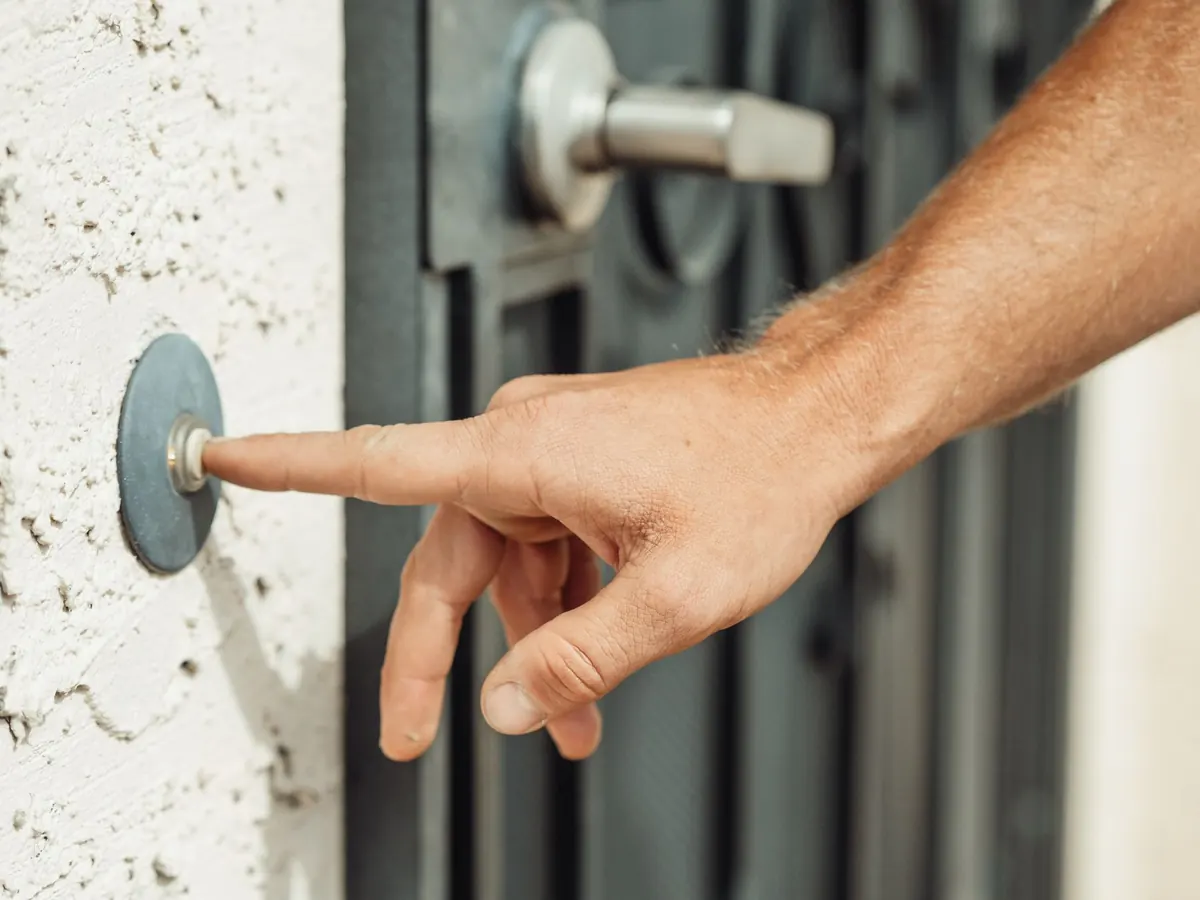
Double-check who has access to your lock. Former roommates, old contractors, and one-time dog walkers often linger in the app long after they should. Remove anyone who doesn't need entry. If your lock supports temporary codes for a neighbor or pet sitter, create one with an expiry date rather than sharing your master code. Position doorbell cameras so they capture faces, not just the tops of heads, and make sure motion alerts go to a phone that will actually be with you.
A garage door left open is an open invitation, and many smart openers can be set to auto-close after a few minutes. Confirm that setting is enabled before you leave. While you're in the app, check your smart water shutoff valve or leak sensors. Vacation is when a burst supply line does the most damage, and a fifty-dollar sensor that texts you about water in the laundry room can save thousands in flooring.
Your router is the front door to every other device in the house. Before you travel:
If your router supports automatic updates, enable them. A router that patches itself is one fewer thing to remember while you're standing in line at the gate.
Once you're gone, the goal is to monitor without obsessing — and without broadcasting your absence.
Technology fails, and the plan for when it does should be made in advance. Give one trusted neighbor or friend your contact information, a way to reach you, and — if appropriate — a temporary door code or key. Tell them what to do if your alarm sounds at 2 a.m., and what not to do, such as entering the house alone. Leave your pet sitter's number with them as well.
Write the essentials down somewhere you can reach them offline: the name of your monitoring company, your account number, and the model of your alarm panel. If your phone dies in a foreign country, you'll be grateful for a note tucked into your luggage.
When you get home, don't just drop your bags. Walk through a short checklist:
A smart home is only as secure as the routine you build around it. Thirty minutes of preparation before you leave — updated firmware, unique passwords, believable lighting schedules, and one trusted human on standby — will do more for your peace of mind than any single gadget. Do it once, save this checklist, and every future trip gets a little easier.
Security isn't about making your home impenetrable. It's about making it look occupied, keeping your digital doors locked, and knowing exactly who to call if something goes wrong.
Photo: Kindel Media / Pexels